
Run your entire hotel from one calm screen.
No messy registers. No double-bookings on Airbnb. No lost room-service slips. 4 specialized apps working in real time over one synchronized database.
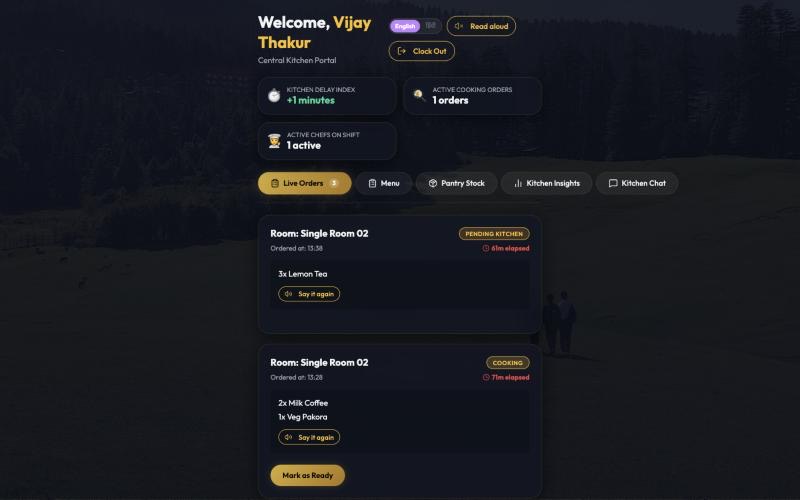
The Front Desk & Live Room Map
One clear screen shows your whole property at a glance. In hostels & dorms, each bed is treated as its own independent bookable room.
- Dormitory Rule: 1 Bed = 1 Room. 4 dorms with 2 bunks (up/down) = 8 bookable rooms!
- Live visual room grid: Green (occupied), Red (cleaning needed), Grey (vacant).
- Zero software bloat: fast, lightweight, and works even on hill-station 4G.
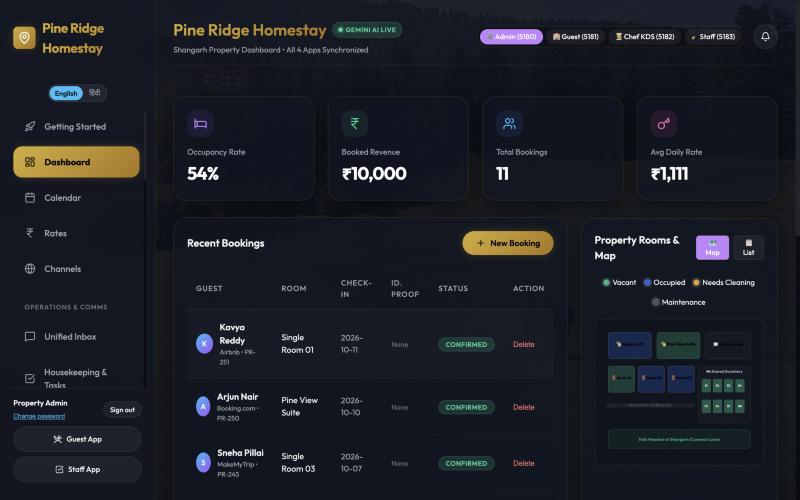
Unified Multi-Channel Calendar
Two-way calendar sync links Airbnb, Booking.com, MakeMyTrip, and your direct walk-ins into a single source of truth.
- Instant clash prevention: double bookings are stopped at entry.
- Every private room and every dorm bed syncs independently.
- Color-coded channels so you always know where every booking came from.
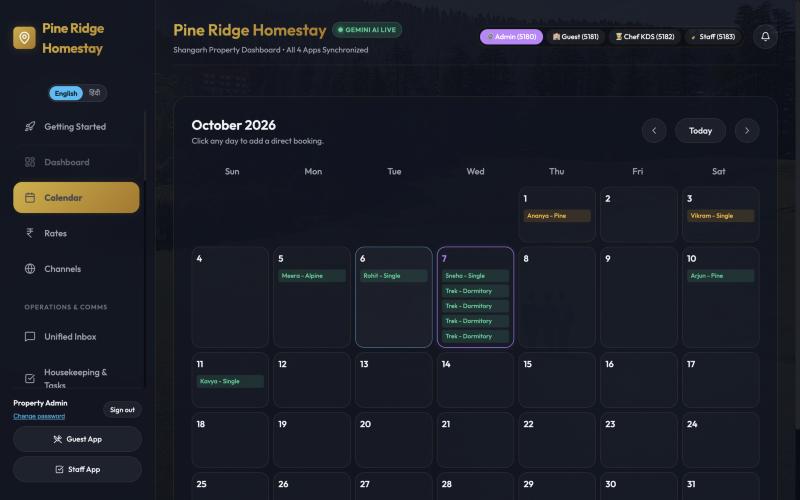
Zero-Install Guest Companion
Guests scan the QR code on their room wall or bed frame. No App Store download. Everything is available on their phone immediately.
- Scan QR code $\rightarrow$ phone number + PIN access in 5 seconds.
- One-tap Wi-Fi copy, checkout time, and curated local walks.
- Full Hindi and English bilingual support on every screen.
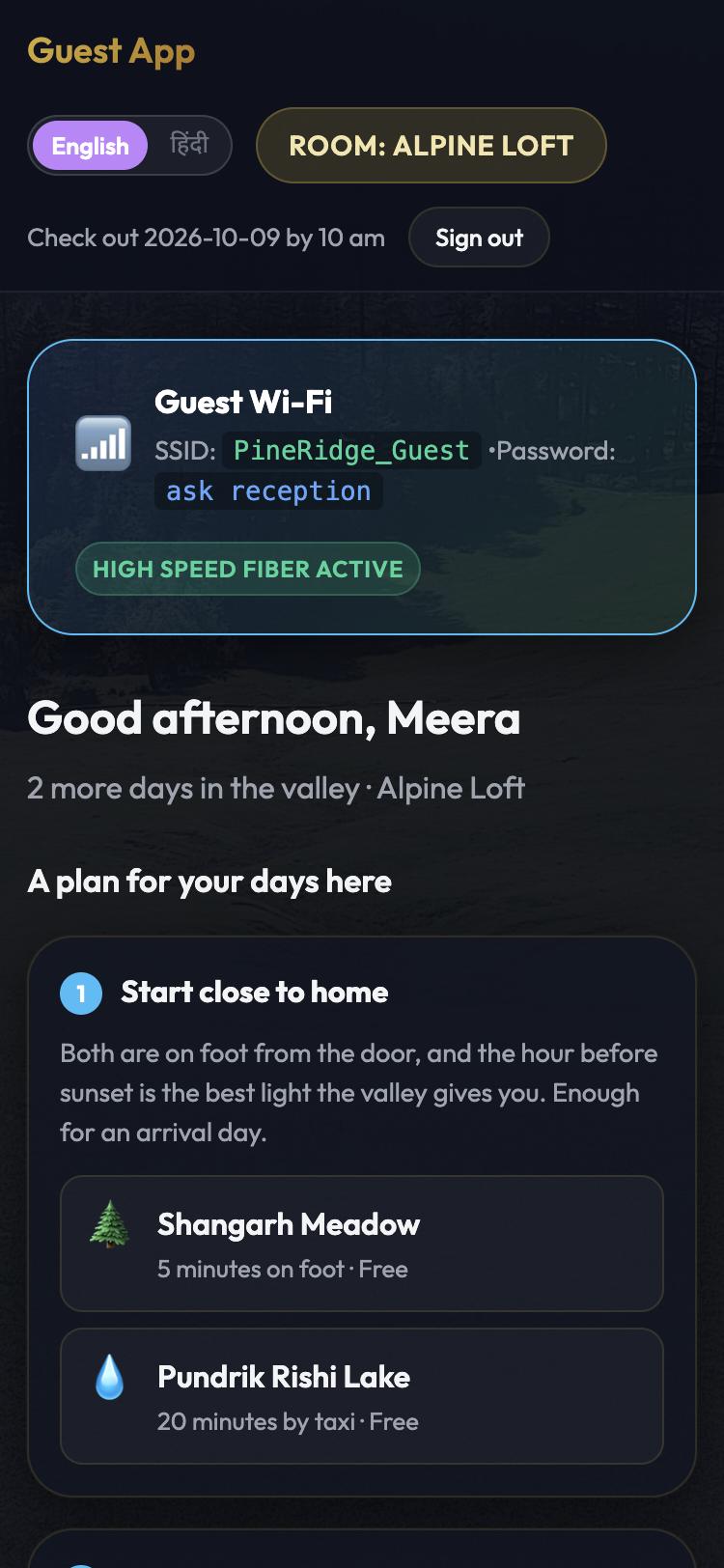
Chef Sign-up & Kitchen KDS
Chef registers with ID on tablet, gets approved by admin, and signs in with Staff ID. Orders land on screen in seconds.
- Sign-up on tablet $\rightarrow$ upload Govt ID $\rightarrow$ Admin approves account.
- Real-time color timer: Yellow warning, Red overdue after 20 minutes.
- Speaks tickets aloud in Hindi for the cook. Charged straight to room folio.
Staff Onboarding & Task Board
Housekeeping staff register on their own phone with 4-digit PIN. Admin approves. Staff clock in and manage dirty/clean rooms.
- Staff sign-up with 4-digit PIN + ID photo $\rightarrow$ Admin verifies.
- Dirty rooms (Red) automatically alert staff upon guest check-out.
- Tap 'Clean' $\rightarrow$ updates front desk map to Clean (Green) instantly.
Property Cash Book & GST Invoicing
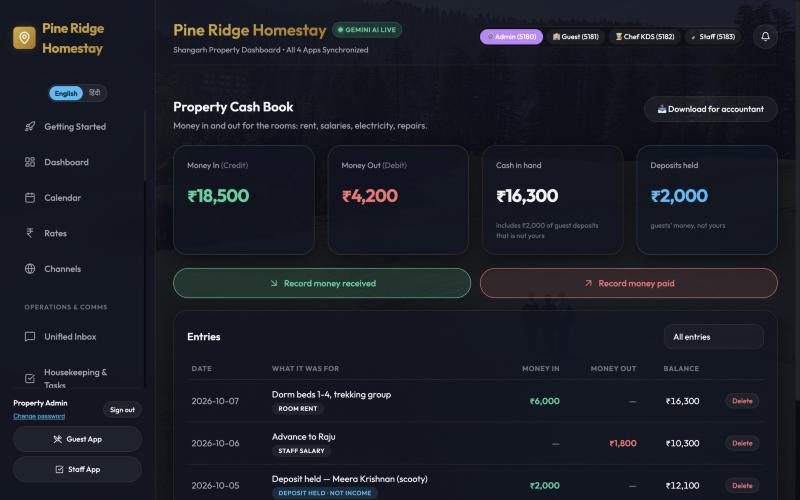
True double-entry accounting with an interface that feels like a simple checkbook.
- GST-ready tax invoices with automatic HSN/SAC codes & Place of Supply.
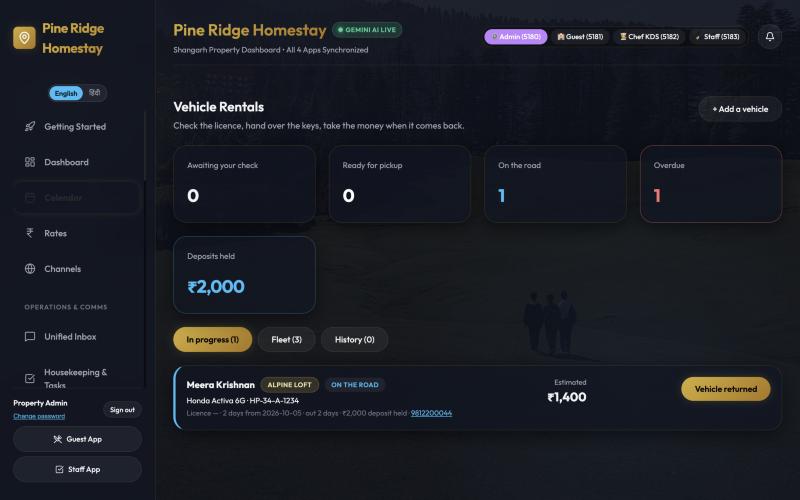
- Scooty security deposits kept isolated from operational profits.
- One-click 'Download for Accountant' format ready for Tally or Excel.
Ready to simplify your hotel?
Join independent properties running on Padav today. Simple setup in a morning, dedicated WhatsApp support, and no long-term contracts.